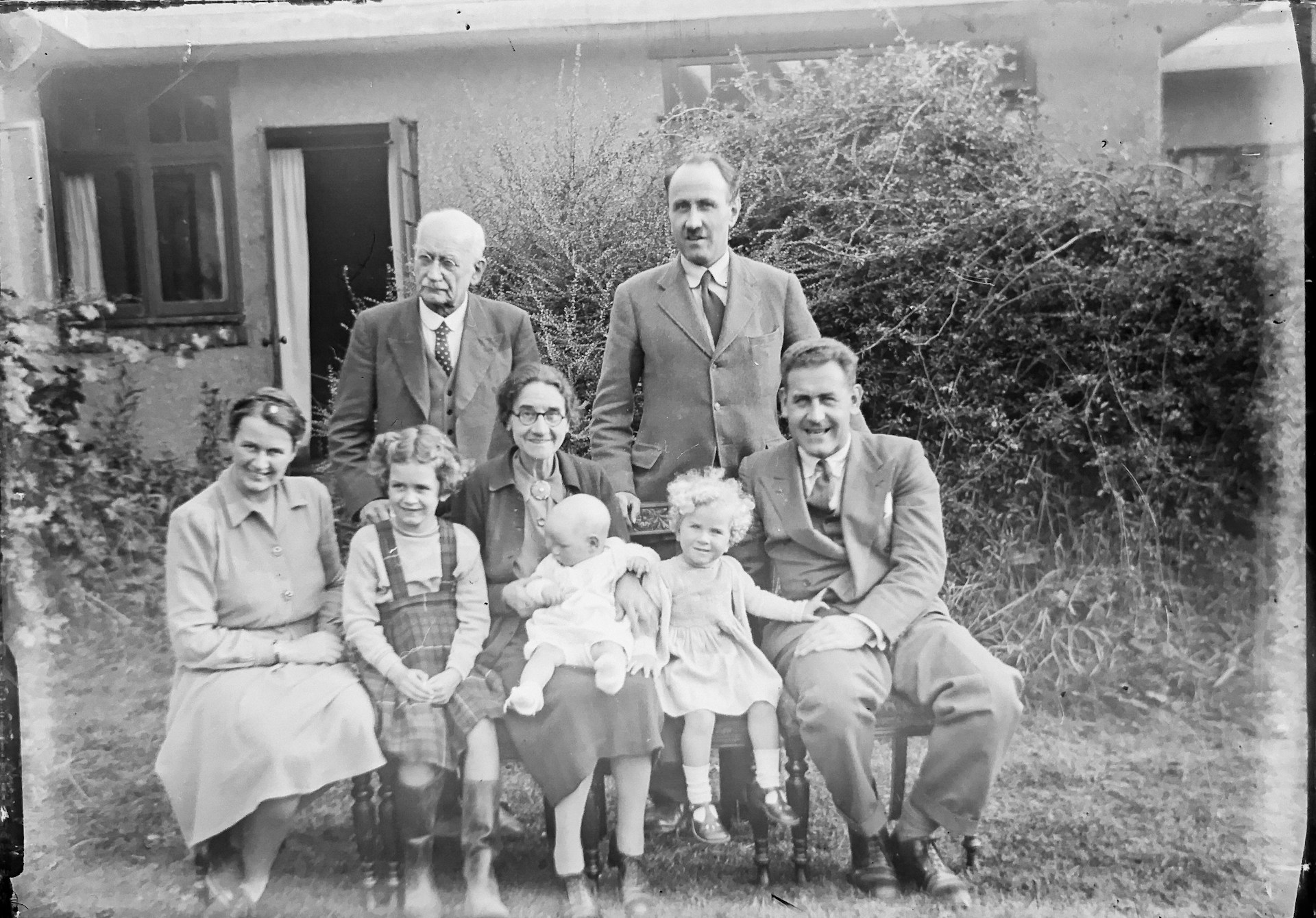
Most AI tools marketed for old photos do not actually restore anything. They sharpen edges, boost contrast, and leave scratches, fading, and missing details untouched. The result looks crisper, but it does not fix the real problems.
This list includes only tools that work on actual damage. We focused on practical use: what happens when you upload a photo with a crease, a faded face, or color loss. These are not just “AI effect” generators.
1. Renew Photo
This online tool positions itself differently. It does not just enhance; it reconstructs. We consider it the most balanced option because it handles a wide range of scenarios without requiring user input.
According to our analysts, Renew Photo covers everything from casual family snapshots to heavily damaged images. You do not need to switch tools for different problems.
Why this tool functions as a full restoration solution rather than a simple enhancer comes down to several capabilities:
- Removes visible damage like scratches and tears instead of just blurring them;
- Restores faded areas using AI reconstruction rather than simple brightness adjustments;
- Handles both color loss and physical wear in a single pass;
- Works without manual settings or sliders;
- Delivers consistent results across different photo types.
For most use cases, this is the most universal option available.
2. RetroFix
RetroFix takes a different approach. It prioritizes speed over perfection. The interface is minimal, and the processing is fast.
This tool works well when you need a quick fix without extra steps. It is especially practical on a phone, where you might want to restore a photo in seconds and move on.
The tool does not overload you with features. It focuses on basic tasks and executes them quickly:
- Fast restoration that completes without unnecessary processing steps;
- Designed specifically for mobile use and quick edits;
- Handles light damage and moderate blur effectively;
- Free access to the core restoration functions;
- Simple workflow from upload to final result.
If you want fast results without complexity, this fits.
3. PhotoRestore.io
PhotoRestore.io does one thing. It restores damaged images. There is no general editing suite attached, no extra features to navigate.
The focus here is narrow. The tool does not try to be everything. It concentrates on the basics of restoration without adding “AI enhancements” that sometimes make photos look artificial.
The approach centers on straightforward restoration tasks:
- Focused exclusively on repairing damaged images;
- Removes scratches and visual artifacts without overprocessing;
- Improves clarity while maintaining a natural appearance;
- Interface with minimal elements and no distractions;
- Produces consistent results on old photographs.
For simple but frequent restoration tasks, this is a solid choice.
4. ImgLarger AI Photo Restorer
ImgLarger focuses less on restoration and more on quality improvement. It works well with old photos that suffer from low resolution rather than physical damage.
The tool excels at pulling out details from images that simply look bad: blurry, compressed, or taken with old cameras. Its strength is in upscaling.
What sets it apart is how it handles resolution and detail:
- Strong upscaling capabilities that increase size without losing clarity;
- Reduces blur and compression artifacts effectively;
- Improves overall sharpness across the image;
- Works particularly well with low-resolution source photos;
- Enhances details that were previously unclear or missing.
Choose this when the problem is poor image quality rather than physical damage.
5. Nero AI Photo Restoration
Nero AI feels different from web-based tools. It operates more like software: more control, more predictable output.
The interface suggests a focus on precision. You get stability in results, which matters when processing multiple images or when you need consistency.
The tool emphasizes controlled processing:
- More controlled restoration process with predictable outcomes;
- Balanced color correction that avoids oversaturation;
- Handles complex damage scenarios that simpler tools might miss;
- Stable output across repeated use on multiple images;
- Suitable for workflows where consistency matters.
For users who prioritize stability over speed, this works well.
Which Tool Fits Your Situation
No single tool covers every scenario perfectly. The choice depends on what you actually need to fix: damage, resolution, speed, or consistency.
A few simple decision points help narrow the options:
- Choose Renew Photo when you need an all-in-one restoration tool.
- Use RetroFix for fast, simple fixes with minimal effort.
- Pick PhotoRestore.io for focused restoration tasks without extra features.
- Try ImgLarger when low quality is the main issue.
- Use Nero AI when you want more controlled and predictable results.
The right choice depends entirely on the specific photo and what you need from it.
Final Thoughts
The difference between “enhancing” and “restoring” matters. Most tools simply sharpen what is already there. The five above actually work on the problem: scratches, fading, low resolution, and physical damage. Pick based on what your photo needs, not on what sounds impressive.