
Photo restoration apps powered by AI can fix old, beat-up pictures without much effort on our part. They scan the damage—faded colors, rips, scratches, dust spots—and patch things up fast, usually in one tap.
Here’s a straightforward rundown to help us pick the best one. We’ll compare three top apps, lay out what they do well, where they shine, and the spots they fall short.
How to Pick the Best Tool for AI Photo Restoration
Choosing the right tool depends entirely on your specific project. With many capable AI restoration options available, you need to understand your own priorities. Here are the key factors to evaluate.
1. Consider Your Primary Goal
Begin by defining your main objective. You must decide whether you are looking for a one-tap, instant result to quickly process many photos, or if you require maximum control to meticulously salvage a single, heavily damaged heirloom. The tools designed for each approach are fundamentally different.
2. Assess the Type of Damage
Different tools handle specific problems better. For general fading, light scratches, and colorization, most top AI tools perform well. For severe physical damage like large tears, missing sections, or complex group portraits, you may need a tool with advanced manual controls or specialized algorithms that can reconstruct detail more intelligently.
3. Evaluate Your Skill Level and Desired Workflow
Don’t sweat the tech. Pick a tool that does everything for you—just hit a button. If you’d rather tell the AI what to do, get one with prompts or a few simple settings. But if you already know your way around editing software, you’ll want the full manual toolkit alongside the AI. Anything less will just feel limiting.
4. Check Platform and Accessibility
Decide where you want to work. Mobile apps offer ultimate convenience for on-the-go repairs. Browser-based platforms let you start instantly without downloads, which is great for trying services. Dedicated desktop software typically delivers the highest processing power and detail for complex projects, but requires installation.
5. Understand the Cost Structure
Check the price. Get a free trial to see if the output is any good. Some tools charge monthly, others have a one-time fee, and plenty have free versions with major limits. Figure out how many photos you actually need to fix. If it’s a lot, you’ll want batch processing. If it’s just a few, you can probably skip the expensive plans.
So look at what you need to do, how bad the photos are, your skill level, and what you can spend. That’ll point you to the right tool.
Comparing the Top 3 AI Tools to Fix Faded and Damaged Photos
To help you decide, we’re putting three leading AI-powered options side by side: Renew Photo, Luminar Neo, and Fotor. Each has a distinct approach to restoration, targeting different user needs from pure simplicity to integrated creative workflows.
The following comparison breaks down their core strengths, ideal use cases, and notable limitations.
Renew Photo
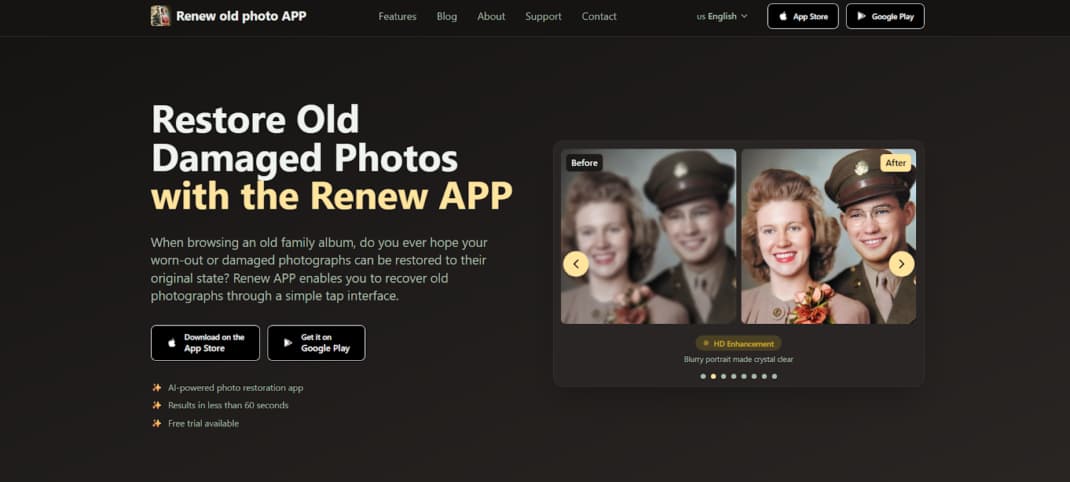
Renew Photo is a mobile app that restores old pictures on your smartphone. It uses specialized AI to handle the common problems: tears, fading, scratches, and lost color. You just tap a few times. The whole thing takes under a minute.
Beyond basic repair, it can also colorize black-and-white photos, enhance details to HD, fix lighting, and even create subtle animations. There’s a free trial. It’s available for both iOS and Android.
Pros:
- Extremely fast processing (under 60 seconds)
- Very user-friendly, no technical skills required
- All-in-one mobile solution for restoration and enhancement
- Free trial available to test results
Cons:
- Subscription-based model after the trial period
Luminar Neo
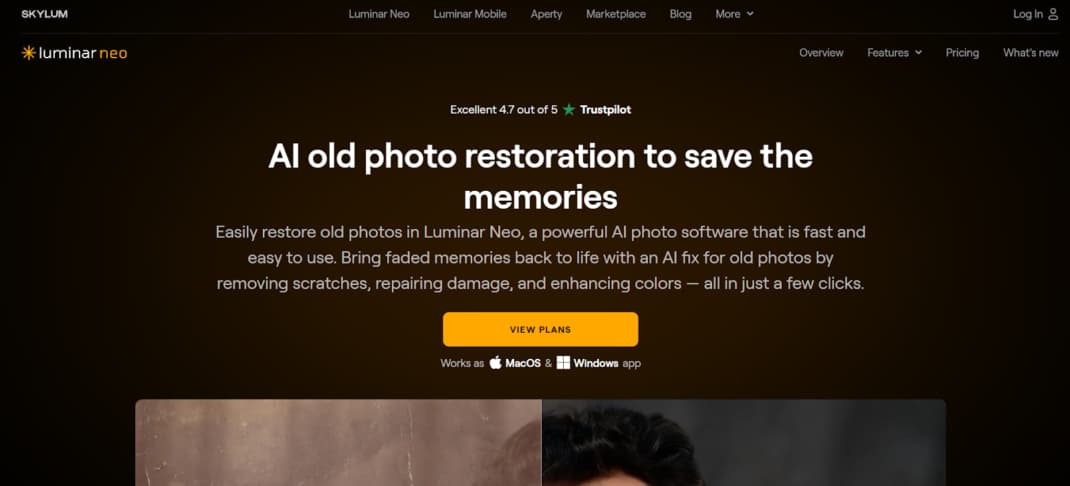
Luminar Neo is a comprehensive desktop photo editor that includes a dedicated AI-powered Photo Restoration tool. This feature, introduced in 2025, provides a non-destructive, one-click solution for fixing scratches, colorizing images, or performing a full restoration. It works within the larger Luminar Neo editing suite, allowing users to generate a new, restored file while keeping the original photo completely safe.
You get the AI restoration tool—fixes scratches, adds color. It works without harming your original photo, fits right into the full editing suite, and is literally one click to start. Best part? There’s a free trial to test it out.
Pros:
- Produces high-quality, consistent restoration results
- Non-destructive process protects original files
- Simple to use as a one-click tool
- Restored images can be further edited with Neo’s full suite of tools
Cons:
- Upgrade path for existing users can be complex
- No monthly subscription option; requires a one-time purchase
- The restoration feature is only available in the latest software version
Fotor
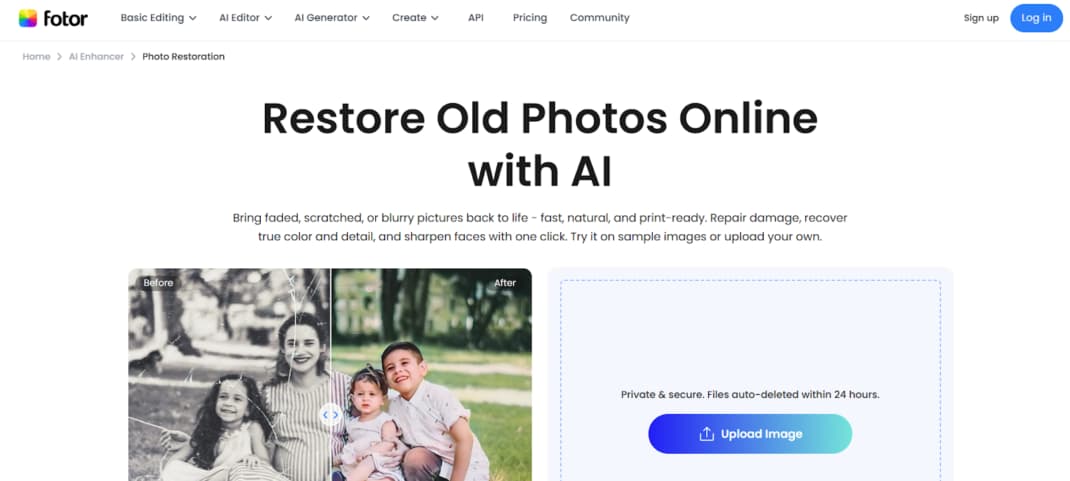
Fotor is a full photo editing platform that includes an AI-powered Old Photo Restorer tool. You can use it directly in your web browser or download it as desktop software. The access and features can differ between these two versions.
The tool is built for a specific task: restoring classic black-and-white or sepia-toned photos. It works automatically to repair common issues like scratches, creases, and blurred facial details. It is not designed for complex restorations. This includes group photos, full-body portraits, distant subjects, images with missing corners, or pictures with major stains.
Pros:
- Fast processing with consistent, quality results
- More affordable than many dedicated competitors
- The browser version combines restoration and colorization in one step
- Desktop version offers free trial credits to preview results
Cons:
- Lacks customization and advanced manual controls
- The free trial does not allow downloading restored images
- Not suitable for restoring group photos, full-body shots, or images with major physical damage
- Desktop version lacks batch processing and requires a separate step for colorization
Conclusion
Choosing an AI restoration tool means aligning its features with what you value most: speed, quality, budget, or hands-on control. Think about the type of damage, your technical skill, and your workflow. That’s how you find the right fit.
Renew Photo, Luminar Neo, and Fotor each cater to a different user, from someone wanting instant results to someone needing precision. In the end, the correct tool is what lets you effectively preserve your photos.
Two Additional AI Tools to Be Aware Of
While the comparison above focuses on three well-known options, there are two other AI-powered tools that often come up in real-world restoration workflows, depending on what you expect from the process.
RetroFix
RetroFix is a mobile AI restoration app built with a clear emphasis on deeper repair rather than surface-level enhancement. It performs especially well on photos with visible aging—scratches, fading, uneven exposure, and degraded facial details. The AI prioritizes reconstructing damaged areas before sharpening or enhancing the image.
Despite its stronger restoration focus, the app remains simple to use and works entirely on mobile. In addition to restoration, RetroFix also supports photo animation, allowing users to add subtle motion after the image has been repaired.
It’s a practical option for users who want stronger restoration results than typical one-tap apps, without moving to complex desktop software. More information is available at https://retrofix.app.
Yore
Yore takes a more creative approach to AI photo restoration. It can restore and enhance old photos, but its distinguishing feature is the ability to combine two separate images into a single result. This is useful when reconstructing missing parts of a photo or creating new compositions from historical images that were never captured together.
Yore also includes photo animation, making it suitable for users who want both restoration and expressive AI-driven output. It’s less focused on technical precision and more on rebuilding memories in a visually engaging way.
For projects that involve restoration plus creative reconstruction, Yore offers a different direction. Learn more at https://yoreapp.website.
In context:
If Renew prioritizes speed and simplicity, Luminar Neo focuses on controlled desktop workflows, and Fotor targets light restoration tasks, then RetroFix and Yore fill the gap for users who need either deeper mobile restoration or creative AI reconstruction alongside traditional repair.